Features
The scientist behind Minority Report's glass screens built them for real
At a glance
John Underkoffler designed the film's gesture interface, then turned it into working software he demonstrated on the TED stage.
About the publisher · Editorial standards and corrections
Ask AI about this story
On this page
The image everyone remembers from Minority Report (2002) is Tom Cruise standing at a curved glass wall, sweeping video clips around with gloved hands. It looked like pure film magic. The man who designed it had been building interfaces like it for years.
Who designed it
John Underkoffler was the film's science adviser. Before that he worked at the MIT Media Lab with the Tangible Media Group, where projects such as the I/O Bulb and the Luminous Room explored computers that respond to the room around them rather than a keyboard and mouse.
From set to software
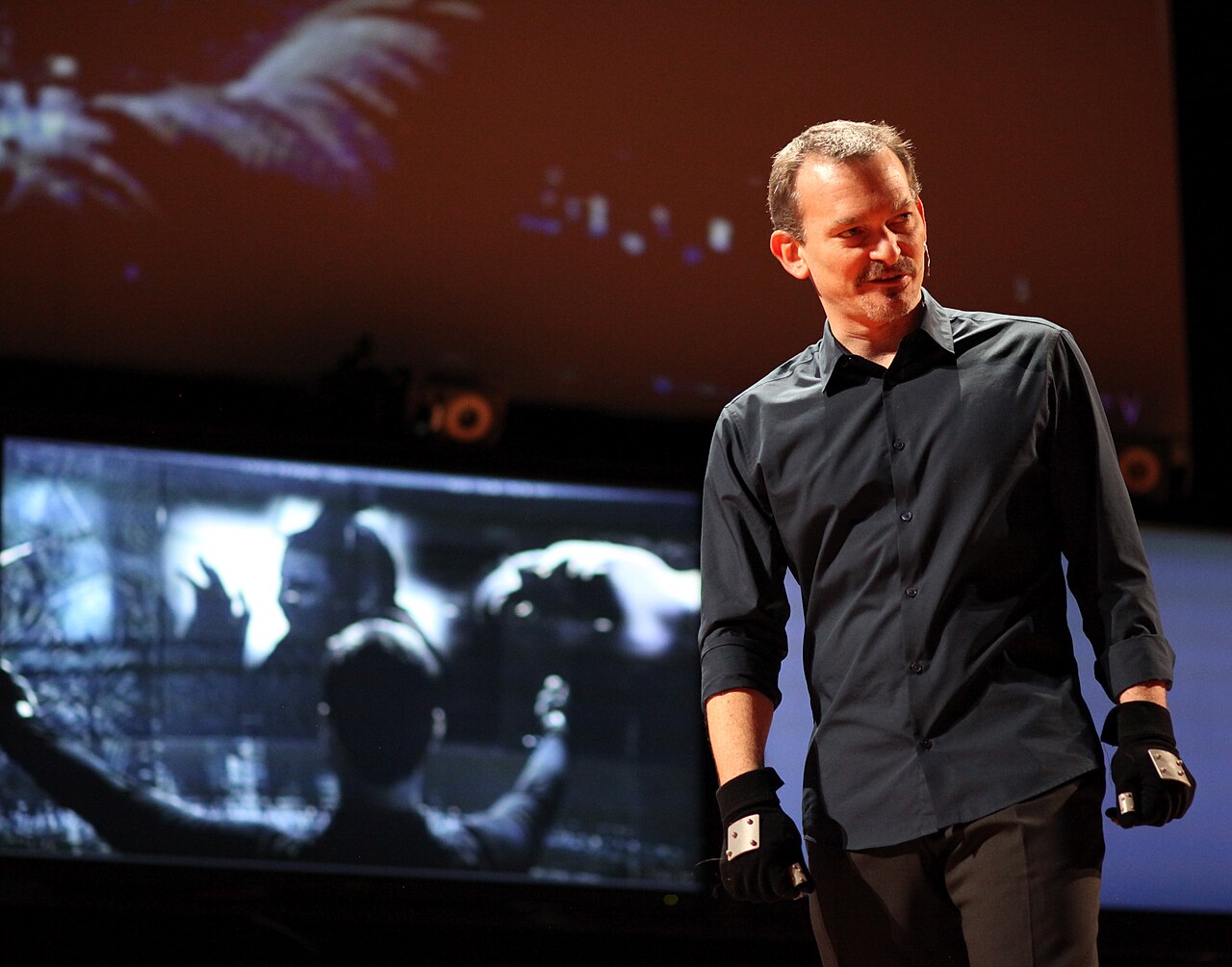
Underkoffler did not stop at film. He went on advising productions such as Iron Man, and he co-founded Oblong Industries to turn the idea into a product. Its platform, g-speak, lets people move data between large screens by pointing and gesturing. At TED2010 he demonstrated it live in a talk called "Pointing to the future of UI".
The other prediction
The film has a second, less comfortable idea. As Cruise's character walks through a mall, billboards scan his eyes and greet him by name, one suggesting he could use a Guinness. Street billboards today still mostly show the same advert to everyone. Online, though, adverts follow people around based on what they have browsed, using cookies and tracking data rather than eye scans.
- Gesture screens: built and demonstrated live.
- Ads that know who you are: here, through data rather than retinas.