Features
Jurassic Park's "Unix system" scene used real software
At a glance
The 3D file maze Lex flies through in 1993 was fsn, an experimental file browser Silicon Graphics gave away for its own workstations.
About the publisher · Editorial standards and corrections
Ask AI about this story
On this page
"It's a Unix system! I know this!" is one of the most quoted computer moments in film. Lex, trapped in the control room with raptors outside, flies through a 3D landscape of glowing blocks and restores the park's locks. For years the scene was held up as Hollywood nonsense. The software on screen was real.
What Lex was using
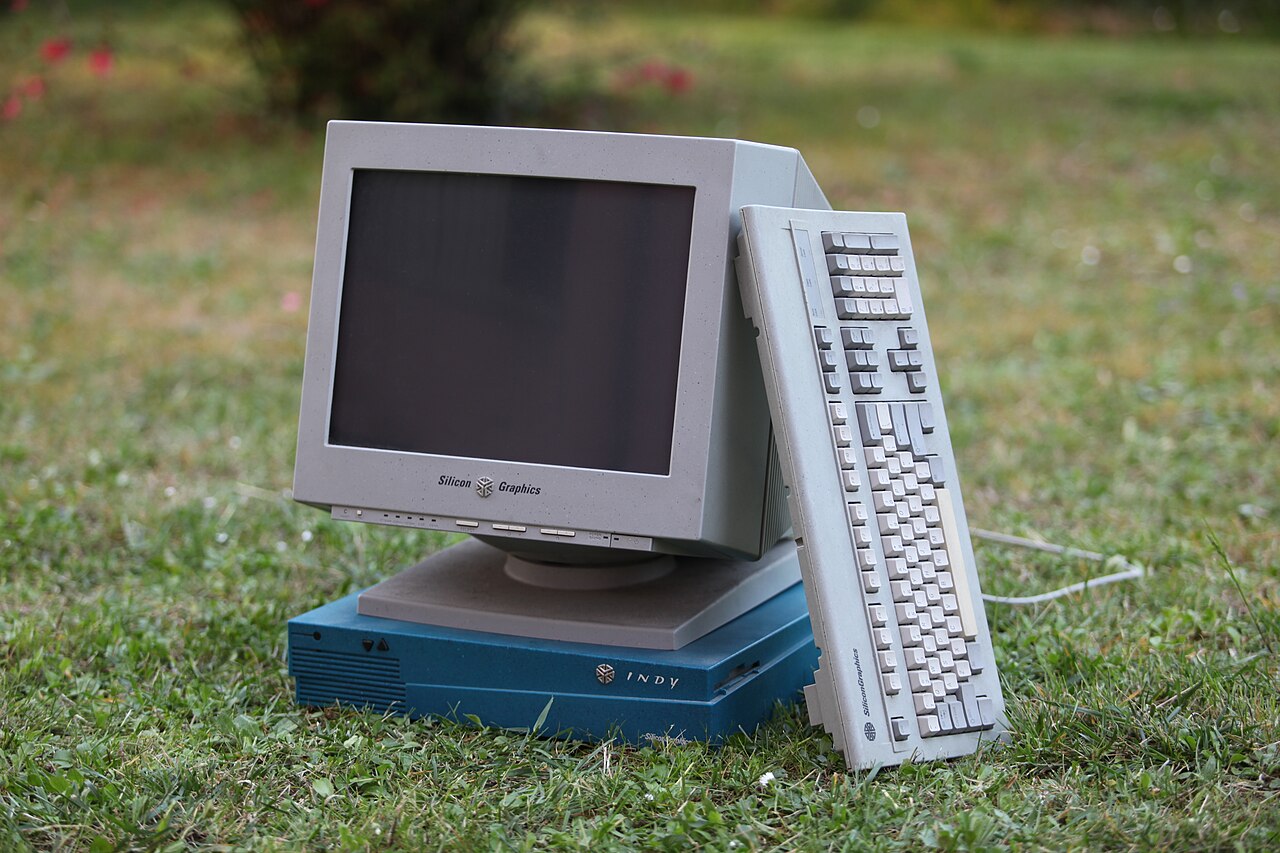
The program is fsn, short for File System Navigator and pronounced "fusion". Silicon Graphics distributed it free from its FTP server for workstations running IRIX 4.0.1 or later, IRIX being SGI's own version of Unix. Each folder appears as a pedestal, taller for bigger folders, with the files sitting on top as boxes. You move through the folders by flying over them.
SGI never pretended it was a finished product. Its own description called fsn "a prototype and an experiment", not a replacement for the normal file manager. The company was happy to borrow the film's fame, though: the download page carried the headline "YOU SAW IT IN JURASSIC PARK!"
What the scene got right, and what it did not
- The computer: an SGI workstation running IRIX, which is a Unix system.
- The interface: real, shipping (if experimental) software.
- The "hacking": there is none. Lex is finding the right file to restart the security system, which is what a file browser is for.
Try it yourself
fsn itself needs old SGI hardware, but an open-source clone called fsv (File System Visualizer) recreates the look on Linux and other Unix-like systems. It is released under the LGPL and its project page has the download.